Any book.
Any format.
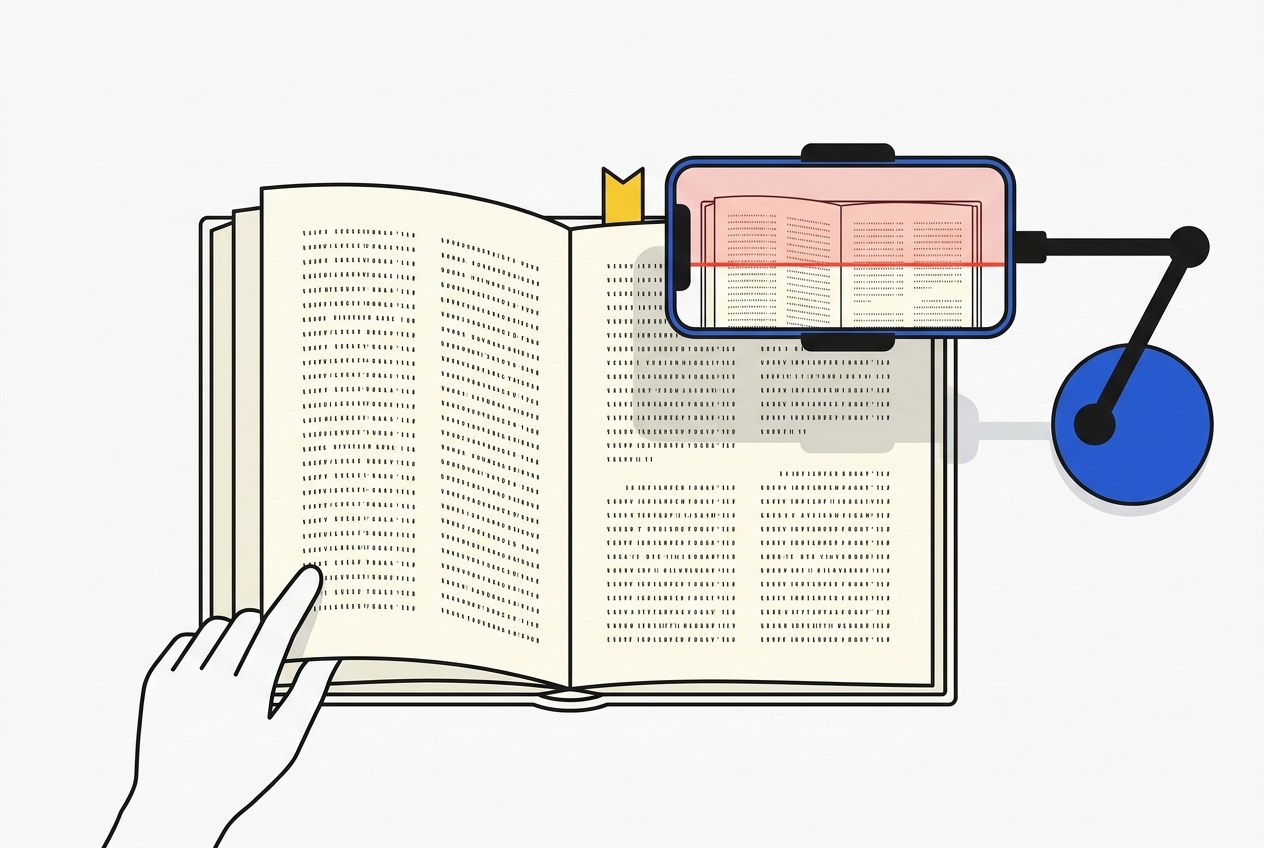
Photograph a whole book hands-free in minutes — it shoots each page as you turn it. Then take the text however you need it.
- Clean markdown
- HTML
- EPUB
- Print-ready interior
- Proofread manuscript
3 books a day free · works in the browser
Better on the home screen. Capture fills the whole phone once it is installed — no address bar. Tap Share then Add to Home Screen. More on setup
OCR is over.
For fifty years, reading a page meant character recognition: match each shape to a letter, then hope. It broke on old type, foxed paper, and curved gutters, which describes most of the books worth saving. Models do not match shapes. They read. Everything else follows from that.
| OCR | A model that reads | |
|---|---|---|
| Method | One glyph at a time, no idea what the word is | The whole page in context, like a person |
| Old type | Long s, ligatures and foxing break it | Reads them the way a reader does |
| The rig | A flatbed, an overhead rig, or a guillotine and a feeder | The phone in your pocket |
| Cost per book | A purchase order | About three cents |
| What comes out | An image PDF nobody can search | Text you can typeset, publish, or hand to a model |
The advantage moved to whoever holds the book.
What it makes obsolete
- Cutting the spine off a book. That was a throughput decision, and throughput stopped being the binding constraint.
- Custody-based digitization. “Send us your library” asks people to give up the book in order to keep the text.
- Image-only PDFs. A scan nobody can search is a photograph of a book rather than the book.
- Waiting for a budget. The rig was the reason to wait, and the rig is gone.
Who wins
- Used and rare book dealers, who can keep the text after the book sells.
- Estates and downsizings, where a whole library is broken up in an afternoon.
- Parish, school, and small-town collections that were never on anyone’s digitization list.
- Anyone holding an out-of-print book that no one is coming to save.
One scan, six ways out.
The scan is the hard part and it happens once. Everything after it is a choice about format, and you can take all of them.
The scan, straightened and split at the gutter. Yours the moment you tap Finish, before any reading happens.
Clean text
One continuous manuscript. Hyphens rejoined across line breaks, running heads and folios dropped, paragraphs stitched across pages.
HTML
Semantic, reflowable, self-contained — no fonts to fetch, no scripts to run. A fifty-thousand-word book is about 300 KB. Its page images are tens of megabytes.
EPUB
A real ebook with working footnotes and page anchors, checked against the same validator a store runs on upload. Zero errors or it does not ship.
Print interior
A typeset paperback interior with real pagination, running heads, and a trim size. Rebuilding it is a script, not a conversation.
Proofread manuscript
A finishing pass before layout. Spelling, grammar, and house typography get caught by local tools; only the judgment calls reach a model.
How the whole pipeline works →
Setting the phone up hands-free, and on a Mac →
Your shelf is a plugin.
One paste connects your library to the harness you already use — Claude Code, Claude Desktop, claude.ai, Codex, anything that speaks MCP. It can list your books, read any page, run the transcription, and hand back whichever format you asked for. Every format above is a skill in an open toolkit you can read, so the work runs on your own model rather than on a server here. There is nothing to pay us for.
› Transcribe the book I scanned today.
› Give me chapter three as clean HTML.